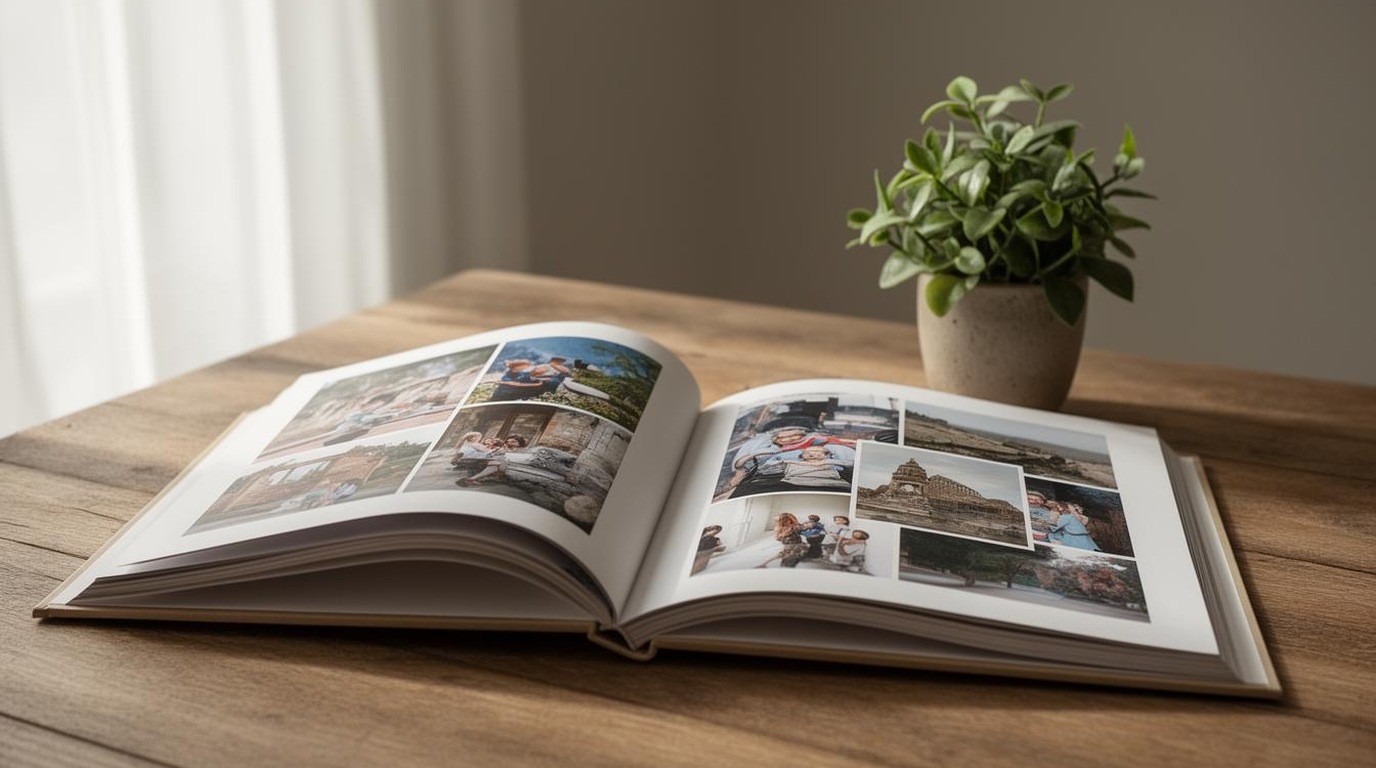
A photo book is one of the most personal gifts a family can give. It holds a year of memories, a trip or a wedding in a form that can be picked up and shared again and again. The choices that shape the book, its size and paper, decide whether it feels like a treasured object or a glossy souvenir that fades quickly. The format you pick affects how the photos are laid out, how the book handles years of handling and how much it costs to produce.
This guide explains the common photo book sizes, the paper types you are likely to see and how each choice affects the look, durability and cost of the finished book. It describes general options and does not recommend a particular printer. Check the specifications offered by the service you use, since sizes and paper names differ between providers.
Short answer: photo book size, paper and binding decide how the book looks and lasts. Choose a size that suits your best images, a paper that matches the look you want and a binding that lets spreads lie open.
Common sizes and what they suit
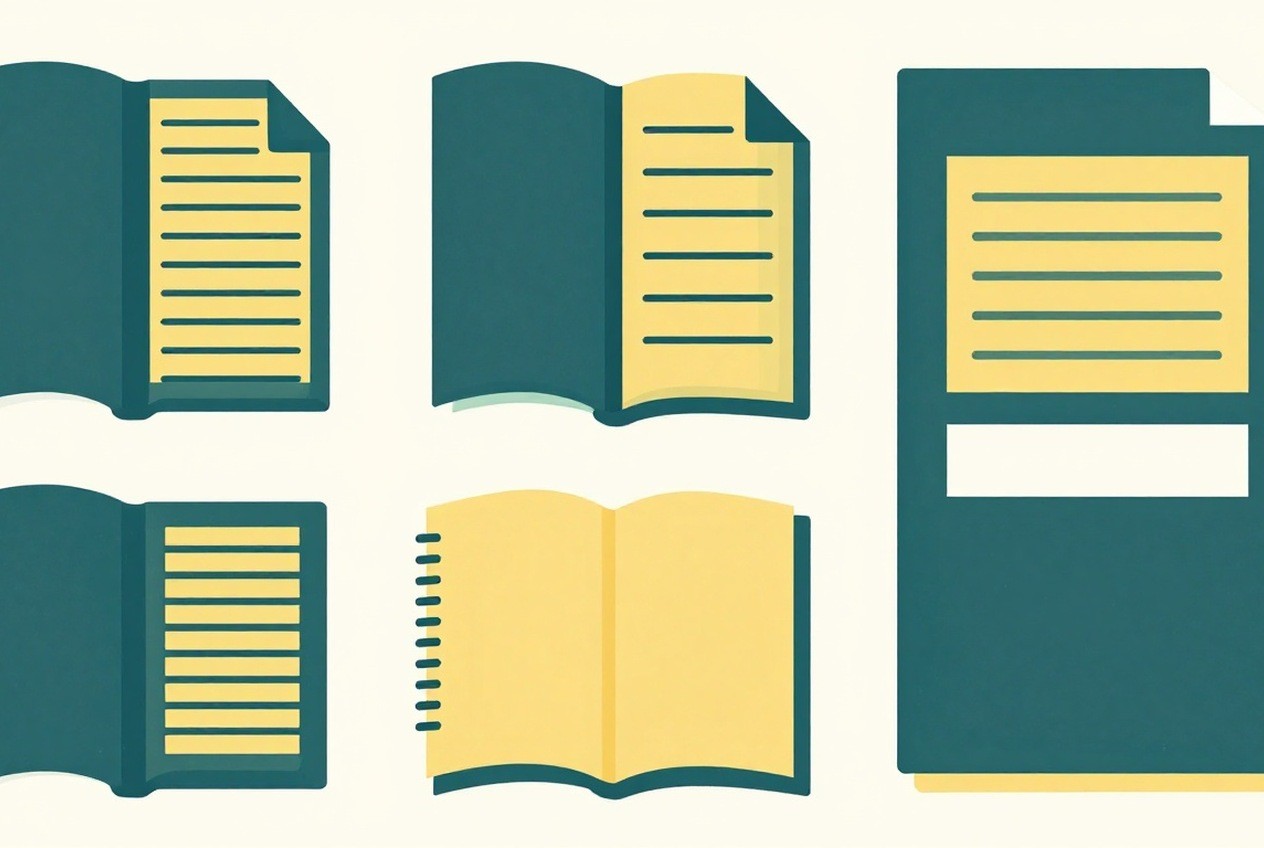
Photo books come in a range of sizes. Small square books suit a single event or a child’s first year, because the format is compact and the photos stay large enough to enjoy. Medium-sized books, often close to a letter or A4 page, give room for captions and a mix of large and small images, and they sit well on a coffee table. Large landscape books can make a dramatic impression with wide panoramic spreads, though they are heavier and harder to store.
Consider the photos first. A book built around close-up portraits needs room for faces to breathe, while a travel book with many landscapes may suit a wider format. Choose the size that gives your best images the space they deserve.
Paper types and their character
The paper decides how the photos feel and how they age. A glossy paper makes colors look vivid and sharp, and it suits bright, high-contrast images. A matte or luster paper reduces glare and gives a softer, more textured look, which many people prefer for portraits and black and white photos. Some services offer a fine art or textured paper, which can add warmth but may show less contrast.
Paper weight also matters. A heavier paper feels more substantial and resists bending, which helps the book last through many years of handling. A lighter paper is less expensive and easier to flip, but it may show creases or yellowing sooner. Ask the service for sample pages if you can, and hold them under your usual lighting before you decide.
- Glossy. Look: Vivid and sharp. Durability: Good with careful handling. Best for: Bright, high-contrast images.
- Matte or luster. Look: Soft and low glare. Durability: Good. Best for: Portraits and black and white.
- Textured. Look: Warm and tactile. Durability: Varies. Best for: Artistic or nostalgic books.
- Heavier stock. Look: Substantial feel. Durability: Strong. Best for: Keepsake books for daily use.
Binding and cover
Binding determines how the book opens and how it stands up to use. A lay-flat binding lets the pages open fully, so photos across a spread look seamless. A standard binding may leave a visible gutter in the middle, which can cut into images placed across the center. Check whether the layout will cross the gutter and choose a binding that suits your design.
The cover adds protection and character. A hard cover resists bending and dust, while a soft cover is lighter and less expensive. Many services offer a choice of finishes, such as matte or glossy, and some allow a custom title. Consider how the book will be stored and handled before you choose.
Plan the layout and the photo count
Each size and paper type supports a different number of pages and photos. A larger book with more pages costs more to print and ship, so decide how many images you need. Choose a clear story for the book, such as a year, a trip or a family milestone, and select the images that best support it. Aim for a balance of wide shots and close-ups, and avoid crowding too many photos onto a single page.
Keep captions short and readable. A caption can add context without overwhelming the image, and a consistent font and size make the book feel finished.
Storage and longevity
A photo book is a physical object that needs care. Store it flat or upright on a shelf away from direct sunlight, heat and damp, since these can fade colors and warp the cover. Handle the pages by their edges, and keep food and drink away from the book. A protective sleeve can help if the book is kept on a busy table.
Our guide to preparing photos for gift printing explains how to check resolution and crops before you order, and canvas, metal and paper prints covers the other formats for a gift.
Editing the sequence
Before ordering, review the photos in the order they will appear. Look for a clear beginning, a middle and an end, and check that each spread has a focal point. Vary the pacing by placing a dramatic image next to a quiet one, and avoid placing two similar photos side by side unless you want the contrast. Print a rough proof of the spread layout if you can, since the sequence often changes once you see it in the book.
Cover choices and sleeves
Choose a cover that suits the way the book will be used. A photo cover with a single strong image can be striking, while a plain cover with a title keeps the focus inside. A protective sleeve or a dust jacket can keep the cover clean, especially if the book will sit on a coffee table. If the book will be handled by children, choose a sturdier binding.
The short version
Choose a size that suits your story and your best images, select a paper that matches the look you want and pick a binding that lets the spreads lie open. Keep captions short, check the paper with samples and store the finished book away from light and damp. A well-made photo book becomes a family heirloom, and the choices you make now decide how it will look for decades.
Photo book questions
Does a glossy paper look better?
Glossy paper makes colors look vivid, while matte or luster paper reduces glare and suits portraits. Compare samples under your usual lighting.
Is a hard cover worth the extra cost?
A hard cover resists bending and dust, which matters for a book that will be handled often.
How many photos should I include?
Choose a clear story and enough images to support it, rather than filling every page.